
How to structure Apple Search Ads: brand, generic, competitor and discovery

The short answer
Apple recommends four campaign types for Search Results ads: Brand, Category (generic), Competitor, and Discovery. Brand, Category and Competitor use exact match with Search Match off. Discovery uses one broad-match ad group and one Search Match ad group, with all exact keywords added as negatives. Management tools such as SplitMetrics Acquire and MobileAction CMP can automate rules and bulk work. Apple’s own dashboard is free and sufficient for smaller accounts.
Talk to our team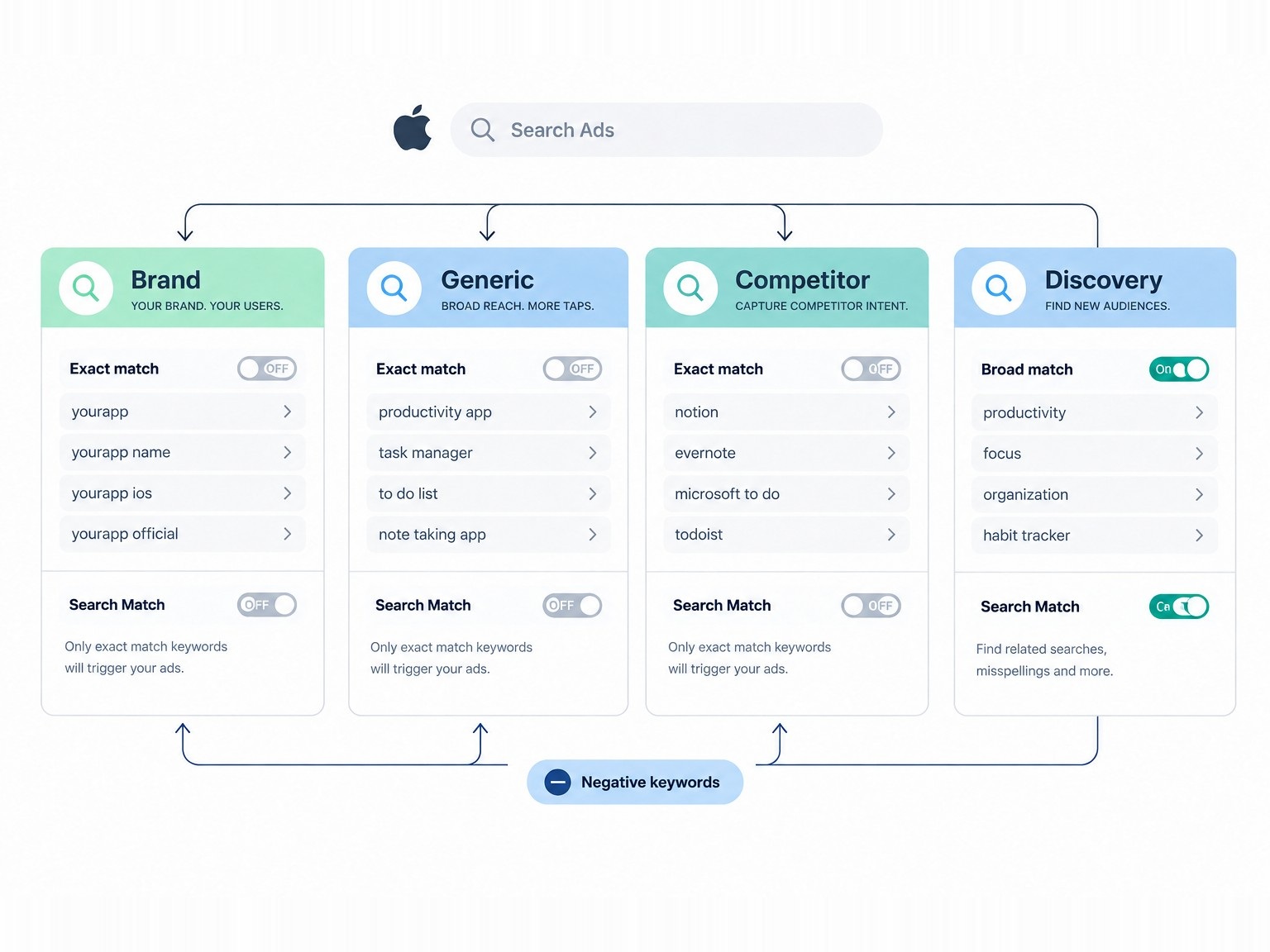
Contents
A clean structure makes spend and performance readable. For related work on organic growth, see our guide on organic installs. For full campaign and ASO support, see our mobile app marketing services.
How should you structure Apple Search Ads campaigns?
Apple’s best practices page recommends four campaign types for Search Results ads:
- Brand - keywords related to your app or company name.
- Category (often called generic) - non-branded keywords that describe what your app does.
- Competitor - keywords for similar apps in the same or a related category.
- Discovery - broader matching used to find new search terms.
Brand, Category and Competitor campaigns use exact match keywords and keep Search Match off. Discovery uses two ad groups: one with broad match keywords (Search Match off) and one with no keywords and Search Match on.
What this means for your decision: Separate intent into four campaigns so you can bid, budget and report on each type independently.
What belongs in each campaign type?
Brand Your app name, company name and common misspellings. Exact match only. Search Match off. Bid high enough to maintain presence on your own name.
Category (generic) Terms that describe the problem or category, not a brand. Examples: “photo cleanup”, “habit tracker”, “learn Spanish”. Exact match. Search Match off.
Competitor Names of similar apps and their developers. Exact match. Search Match off. Expect higher cost per tap because users were looking for a different app.
Discovery
- Broad match ad group: broad versions of the keywords from the other three campaigns. Search Match off.
- Search Match ad group: no keywords. Search Match on.
Add every exact keyword from Brand, Category and Competitor as an exact negative in Discovery so you do not bid against yourself.
What this means for your decision: Keep known high-intent terms in exact match campaigns. Use Discovery only to surface new terms, then move the winners into the correct exact campaign.
How do negative keywords keep the structure clean?
Every exact keyword that lives in Brand, Category or Competitor must be added as an exact negative in the Discovery campaign. When a search term performs well in Discovery, move it to the matching exact campaign and add it as a negative in Discovery.
This prevents the same search from being targeted in two places at once and keeps reporting clean.
What this means for your decision: Negative keywords are the control mechanism. Without them the four-campaign structure collapses.
Talk to our teamWhen do Apple Search Ads management tools help?
Apple’s native dashboard is free and sufficient when you manage a small number of keywords and markets. Management tools become useful when you need:
- Bulk keyword and bid changes.
- Automated rules based on performance.
- Easier search term harvesting from Discovery.
- Cross-market or multi-app views.
Common tools include SplitMetrics Acquire (formerly SearchAdsHQ) and MobileAction’s Campaign Management Platform. Both offer free tiers for lower spend levels.
What this means for your decision: Start in Apple’s dashboard. Move to a management tool when manual work or rule volume becomes the bottleneck.
What do the free plans and paid packages include?
- Apple Ads dashboard - free. Full campaign creation and reporting for Apple Ads Advanced.
- SplitMetrics Acquire - free Starter plan that covers up to $25,000 monthly ad spend, 20,000 keywords and 8 active automations. Higher plans are custom. Check the official pricing page for current limits.
- MobileAction CMP - free tier that covers up to $10,000 monthly ad spend. Higher plans are custom. Check the official pricing page for current limits.
What this means for your decision: Free tiers exist for both major management tools. Confirm current limits on each vendor’s site before you rely on them.
When is a tool not the answer?
A management tool does not fix a weak listing or poor keyword relevance. If brand and category terms already convert well but volume is low, the larger lever is usually the product page and metadata, not another automation layer.
If measurement across channels is the real constraint, start with a clean attribution setup. See our MMP data audit and setup services.
What this means for your decision: Use tools to reduce manual work once the structure and listing are sound. Do not expect a tool to replace clear campaign architecture or strong ASO.
FAQ
They are the same. Apple calls them category campaigns. Many teams call them generic.
No. Apple recommends Search Match off in those three campaign types. Use Search Match only in its own ad group inside Discovery.
Review search terms regularly. Promote terms that meet your cost and volume thresholds into the correct exact campaign and add them as negatives in Discovery.
Yes for smaller accounts. Management tools help once you manage many keywords, markets or automated rules.
In our experience, yes. Competitors can bid on your name, and a separate exact-match Brand campaign keeps that traffic measurable and protects your presence.
What to do next
Not sure whether your current Apple Search Ads structure is clean or whether a management tool is worth it for your spend level? Talk to our team. We will look at your account and tell you where we would start.
Talk to our teamRelated Articles
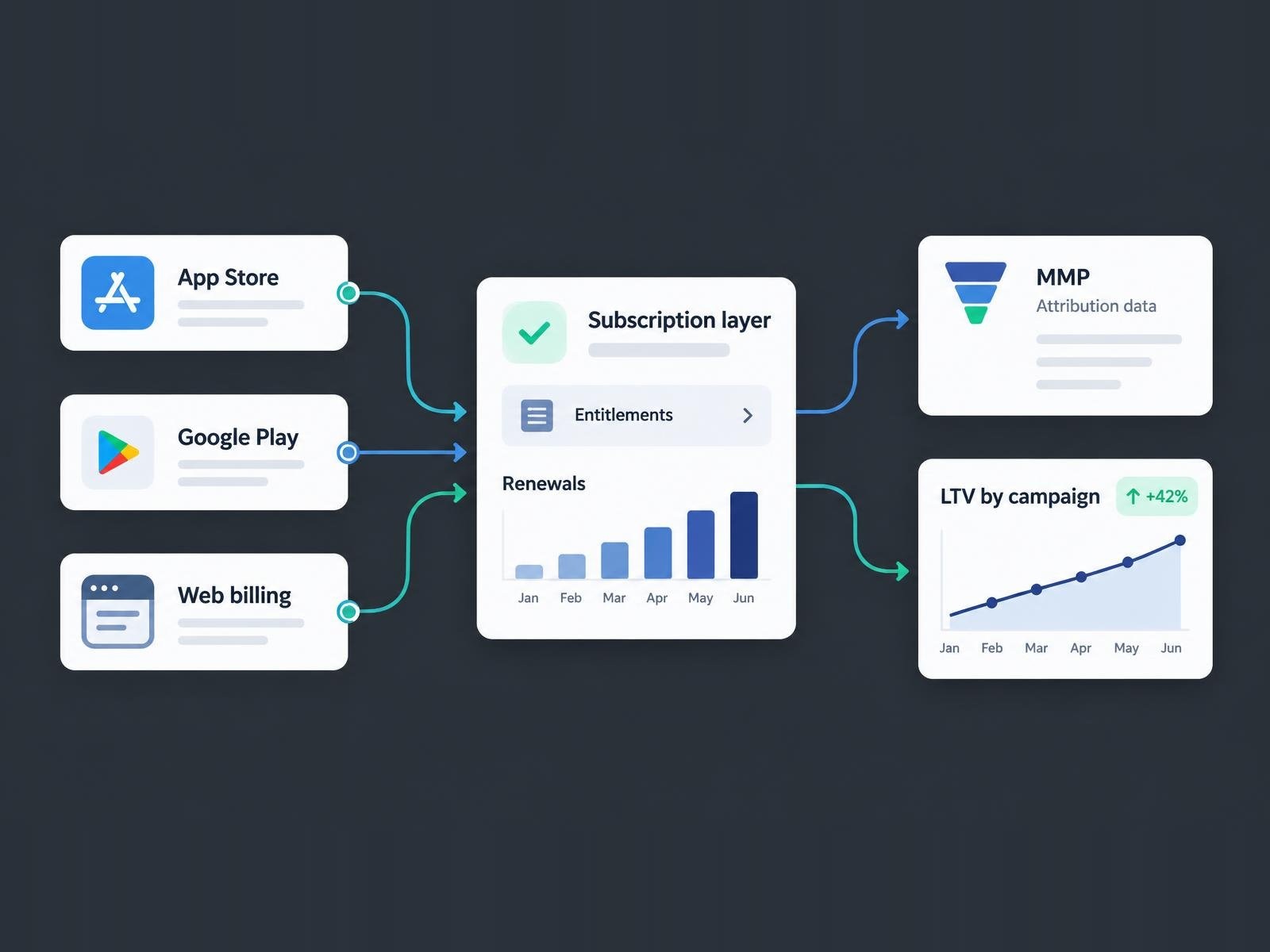
What is RevenueCat and Why Is It a Powerful Tool for Apps?
November 23, 2026
What RevenueCat does for apps, why the cross-platform subscription layer matters, how pricing works, and when it is the right choice.
Read More
How Google App Campaigns Work, and Which Levers You Actually Control
November 23, 2026
Google App Campaigns are mostly automated. See which levers you still control, why in-app events matter most, and what to check before you scale.
Read More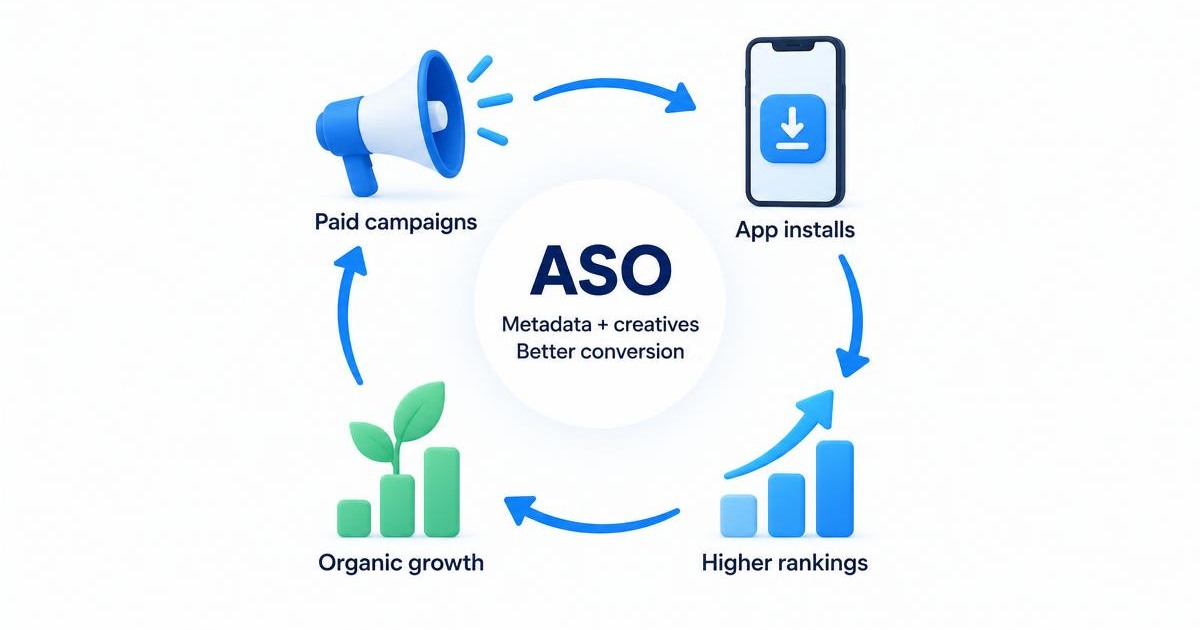
How to Increase Organic Installs with Metadata, Creatives and Paid Data
November 14, 2026
How app store metadata, screenshots, ratings and paid campaigns work together to increase organic installs on the App Store and Google Play.
Read More