How to promote your LinkedIn effectively

The short answer
Personal profiles drive most organic reach. Company pages work better as a credibility hub. Post consistently with a mix of document carousels, short text posts and native video. For outreach, stay well under the practical weekly connection request limit (widely observed around 100) and use tools carefully. Build a simple B2B funnel that starts with content and comments, then moves warm engagers into conversations.
Contents
- How should personal profiles and company pages work together?
- What content actually works for B2B?
- How do you build relationships without triggering limits?
- What are the real limits and risks of automation?
- How do you turn LinkedIn activity into a B2B funnel?
- Which tools help at each stage?
- FAQ
- What to do next
Most LinkedIn growth comes from consistent personal activity, not from company pages or aggressive automation.
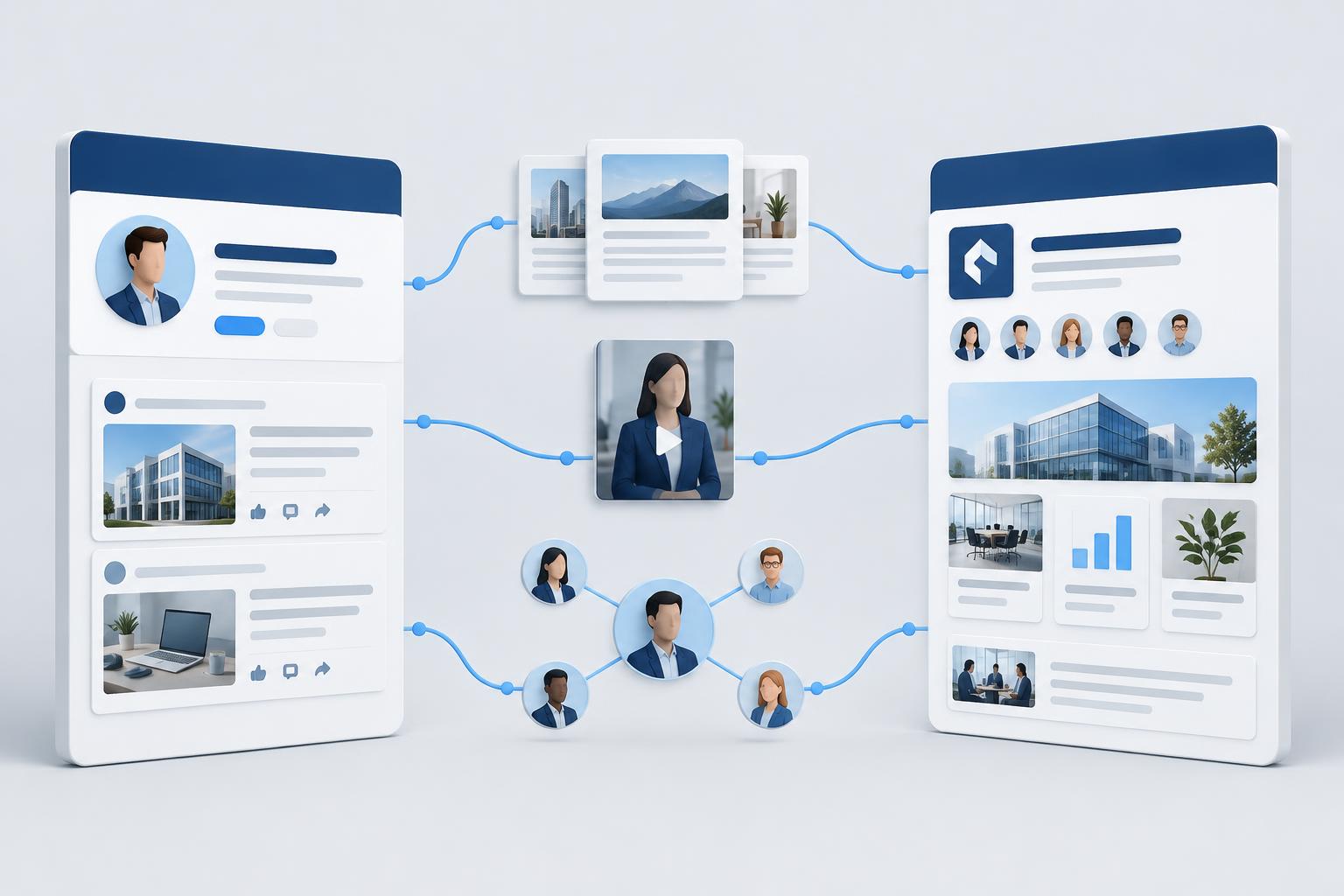
How should personal profiles and company pages work together?
Personal profiles currently generate significantly more organic reach than company pages. Multiple analyses put the gap at roughly 5-6x or more in impressions. Company page organic reach has declined sharply in recent years.
Use personal profiles (founder, executives, practitioners) for distribution. Use the company page as a proof and credibility hub that people visit after seeing a personal post.
Practical split:
- Personal profiles: 70-80% of content volume.
- Company page: 3-5 posts per week (customer stories, product updates, team posts, document carousels).
- Encourage employees to reshare company content from their own profiles.
Complete both fully. A complete company page and optimized personal profiles improve trust when someone clicks through.
What this means for your decision: Prioritize personal profiles for reach. Treat the company page as supporting infrastructure.
What content actually works for B2B?
Document carousels (native PDF posts) consistently show the highest engagement rates in large datasets. Short text posts and native video perform well for trust and conversation. External links usually reduce reach.
Content ideas that tend to work:
- Short frameworks or checklists (carousel).
- Specific lessons from a customer or internal project (text).
- Contrarian or clear point of view on a buyer problem (text or short video).
- Data or numbers from your own work, with one clear takeaway.
- Behind-the-scenes or personal stories that still relate to the buyer’s world.
Avoid pure product pitches in most posts. A common working ratio is roughly 70% educational/perspective, 20% proof, 10% direct ask.
Post 3-5 times per week from key personal profiles. Commenting on other relevant posts often produces more profile visits than additional posts.
What this means for your decision: Start with document posts and short text from personal profiles. Measure profile views and conversations, not just likes.
How do you build relationships without triggering limits?
LinkedIn does not publish an official weekly connection request number. Practitioners and tool providers widely observe a practical limit around 100 invitations per week (sometimes higher on healthy accounts, lower on new or restricted ones). There is also a hard cap of 30,000 first-degree connections.
Safe practices:
- Send 10-20 personalized requests per day on a warmed account.
- Keep pending invitations under a few hundred.
- Withdraw old unanswered invitations.
- Personalize notes. Acceptance rate matters more than volume.
- Warm accounts gradually if they are new.
Automation tools exist (Dripify, Expandi, Waalaxy, PhantomBuster, Linked Helper, and others). LinkedIn’s User Agreement prohibits bots and unauthorized automated methods for adding contacts or sending messages. Using them carries restriction risk. Sales Navigator improves targeting and search but does not raise the behavioral limits.
What this means for your decision: Treat automation as a controlled, low-volume aid at most. High-volume automated outreach is the fastest way to get restricted.
What are the real limits and risks of automation?
Commonly observed ranges (not official LinkedIn numbers):
- Connection requests: roughly 100 per week for most accounts.
- Messages to first-degree connections: higher, but still monitored.
- Pending invitations: keep well under 500.
Gray-hat or high-risk methods (bulk scraping, aggressive browser extensions, very high daily volumes, identical messages) increase the chance of temporary or permanent restrictions. LinkedIn explicitly bans scrapers, bots, and tools that automate activity on the site.
Sales Navigator helps with better targeting and InMail credits, but it does not protect against behavioral detection.
What this means for your decision: Prioritize acceptance rate and relevance over volume. If you use tools, start very low and monitor for restrictions.
How do you turn LinkedIn activity into a B2B funnel?
A practical starting funnel:
- Content and commenting from personal profiles to generate profile views from relevant people.
- Engage with those who interact (reply, connect, or send a light message).
- Move warm conversations off-platform or into a clear next step (demo, call, resource).
- Use Sales Navigator or similar to identify and engage accounts that match your ICP, then nurture with content.
Start with the content + commenting layer before heavy outreach. It creates warmer connections and higher acceptance rates.
What this means for your decision: Build the organic visibility layer first. Add structured outreach only after you have consistent content and a clear ICP.
Which tools help at each stage?
- Visual content (carousels, PDFs, images, short videos):
- Gamma - Generate LinkedIn carousels, presentations and documents from a prompt, then export as PDF.
- Canva (Magic Studio) - Easy image generation, design and simple video from templates.
- HeyGen or Synthesia - Create short talking-head or avatar videos from a script without filming.
- Other carousel-focused tools such as Contentdrips or aiCarousels for faster PDF slides.
- Content scheduling: Native LinkedIn scheduler, or tools that schedule for human review.
- Research and targeting: Sales Navigator.
- Outreach support: Tools such as Dripify, Expandi, Waalaxy, PhantomBuster, and Linked Helper (use with strict limits).
- CRM sync: Native LinkedIn integrations or connectors via Zapier / Make.
- Analytics: LinkedIn native analytics plus Sales Navigator for account-level signals.
Start with free or native options. Add paid tools only when the manual process is the bottleneck.
FAQ
Personal profiles for reach. Company page for proof and credibility.
LinkedIn’s terms prohibit unauthorized automated methods. Many tools exist and are used, but they carry restriction risk. Stay well below observed limits and prioritize relevance.
Widely observed practical range is around 100 per week. Start lower and increase only if acceptance stays healthy.
Document carousels and short text posts from personal profiles.
Content and consistent engagement first, then targeted outreach to people who have already interacted with your content.
What to do next
Want a clear recommendation based on your actual channels and spend?
Talk to our team.
Talk to our teamRelated Articles
 Social
Is a Verified Meta Account Worth It?
November 14, 2026
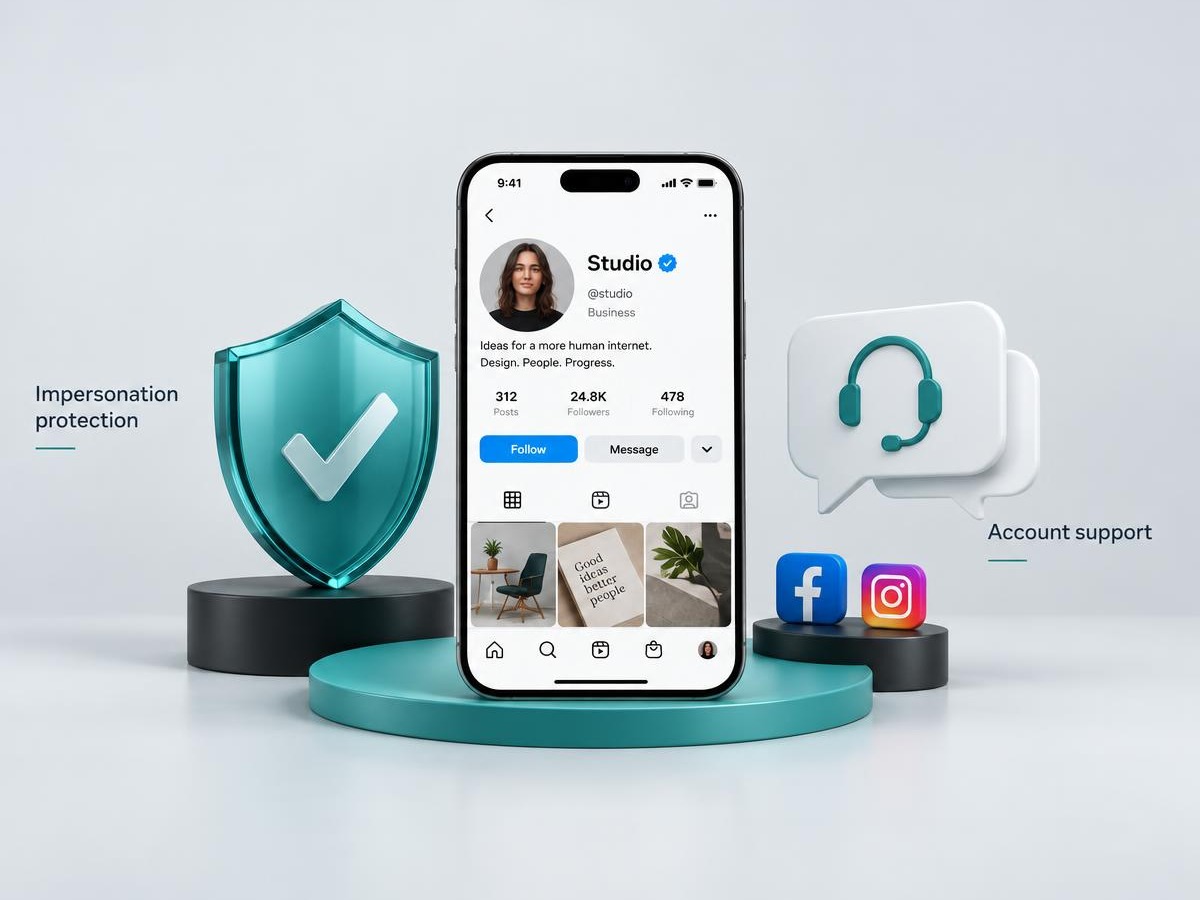
Meta Verified is worth it mainly for impersonation protection and human support, not for organic reach. Plans, benefits, and when it pays off for businesses and creators.
Read More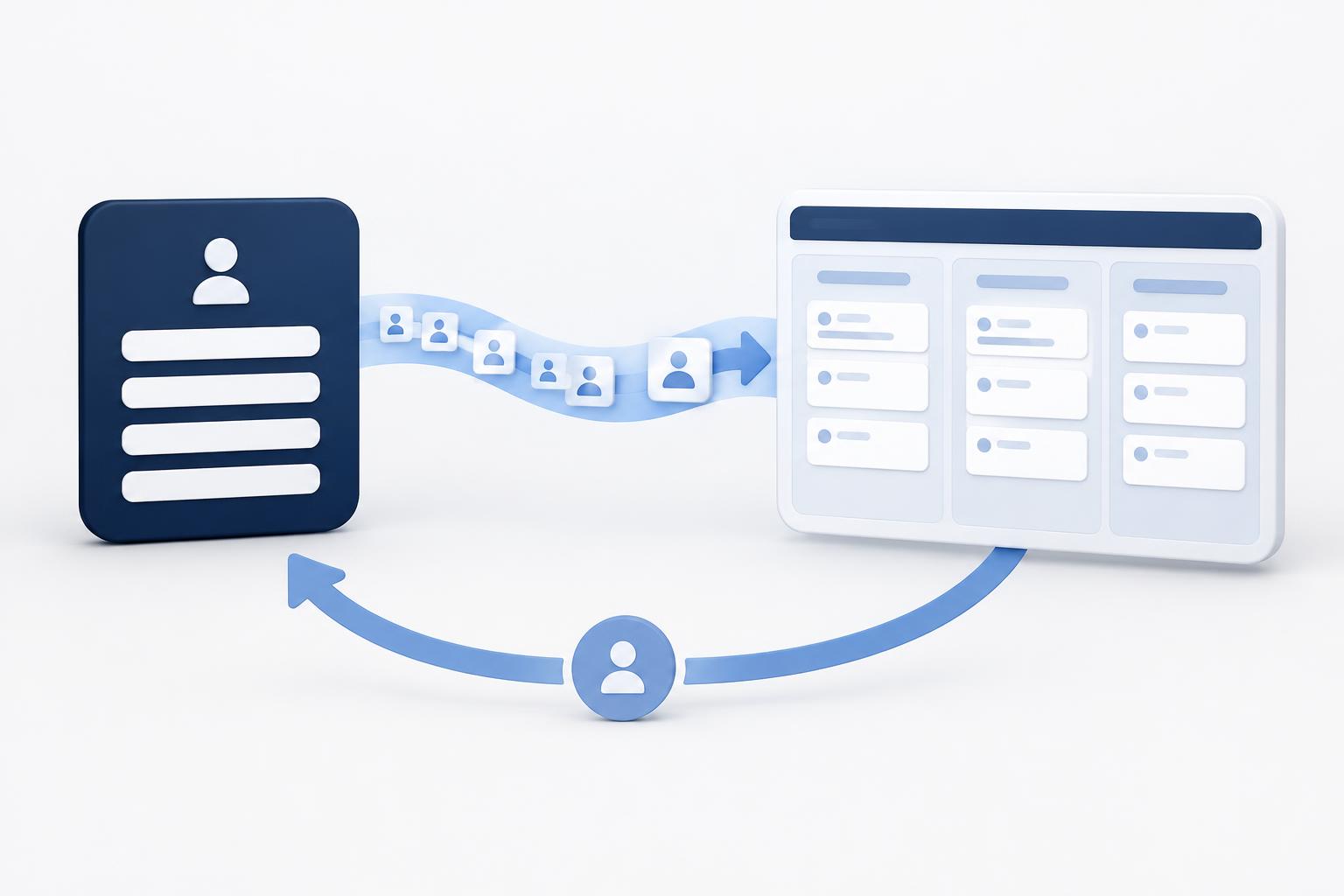 Lead Generation
How to automate Meta leads into your CRM and send quality signals back
November 13, 2026
Automate Meta Instant Form leads into your CRM, preserve lead IDs, and send qualified stages back through Conversions API for CRM. Includes messaging leads and launch checks.
Read More Ecommerce
Which Shopify apps actually matter for high-volume stores?
November 13, 2026
The focused Shopify stack high-volume stores actually run: email, reviews, support, attribution, subscriptions, returns, and the AI tools worth adding.
Read More